

Track changes
Added and removed tracks are listed separately, so backup differences no longer depend on memory.
For rekordbox USB drives
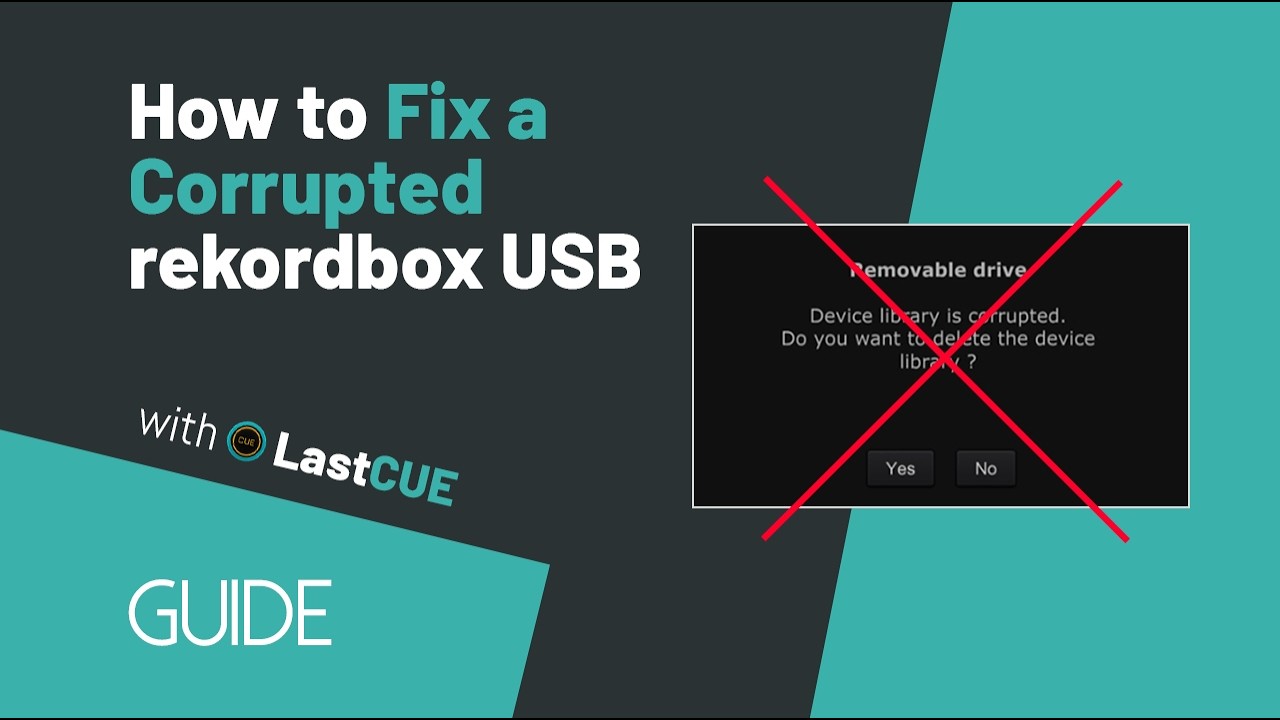
USB still works on your CDJ or XDJ, but rekordbox says the library is corrupted? LastCUE scans the USB first so you can preview recoverable tracks, playlists, and CUE points before deciding whether to repair. One-click backups also keep a history of library changes. Library processing stays local on your computer.
Explore LastCUE
Back up your USB library, review changes, and restore from a local backup.
One-click backup
If the library is damaged later, local backups can help you restore or roll back.
Stored locally LastCUE stores backups on your computer and does not upload library data. Current backups focus on the library database and related data; they do not include a complete backup of every audio file.
Change details After backup, review the details for each CUE: track changes and playlist changes are clear at a glance.
After every CUE backup, LastCUE compares it with the previous backup and separates library changes into three readable views.
Added and removed tracks are listed separately, so backup differences no longer depend on memory.
New, deleted, and renamed playlists are surfaced on their own, so USB organization stays traceable.
Added or removed tracks inside each playlist are shown line by line, making every change easy to locate.
One-click repair
Repair “Device library is corrupted”
Preview tracks, playlists, and CUE first, then safely restore the library
Read the corrupted Device Library repair guide →
When a library is corrupted
If the data is still on the USB, LastCUE reads what remains and builds a repair candidate you can preview. Check which tracks, playlists, and CUE points are recoverable before deciding whether to continue.
The USB still works on a CDJ or XDJ, but rekordbox reports a corrupted library. That usually means some data remains, so you can start with a free diagnosis of the recoverable scope.
export.pdb was deleted, or the audio files themselves are missing. LastCUE cannot recover data that is no longer present.
Diagnose the source and review the recoverable scope first. If you continue, you then enter the paid repair flow; unsupported sources do not consume a repair credit.
Tools
Tools will keep growing with ongoing updates.
Check what this device supports first. Convert incompatible audio before showtime—not after it fails to play.
Convert to MP3 128 kbps, MP3 320 kbps, or WAV while preserving library information and CUE points. LastCUE backs up first, then checks the converted files and library references.
Choose a compatible target format Choose MP3 128, MP3 320, or WAV based on capacity, sound quality, and player requirements.
Carry over CUE points The conversion carries over the source track's CUE points, with no reorganization or manual cueing required.
Update the USB library directly After conversion, LastCUE updates the matching files and library references, then checks the write result.
Pricing
Start free for backups. Upgrade when you need more backup slots, full change details, and tools, or choose one-time repair for a damaged library.
Free
Pro yearly
$99 Lifetime Pro · One-time payment
Pro monthly
One-time repair
LastCUE processes your USB library and audio on your computer and saves backups to a local folder you choose. Account services and limited usage records use the network. Support reports are sent only when you submit them; attaching the original export.pdb requires a separate opt-in.
Read the full answerIt depends on the mode. Quick and Analysis do not include music files. Full saves the complete PIONEER and Contents folder trees, including existing music in those folders. These backups are stored locally.
Read the full answerChoose No first when you need to preserve the existing USB data. Stop exporting or reinitializing that USB, keep an independent copy of what is still readable, and inspect the available repair preview before deciding what to replace.
Read the full answerLastCUE can rebuild a supported Device Library from surviving source data, including recoverable playlists and metadata. It cannot recreate deleted or missing audio, fix physical USB failure, or currently repair a damaged OneLibrary database. A prior Full backup may restore audio it actually captured.
Read the full answerPreviewing does not use a Repair Credit. A credit is reserved for a confirmed repair and consumed when the accepted repair result is delivered and confirmed. Writing that result to the USB is a separate step; retrying the same confirmed result does not require another credit.
Read the full answerPro provides the paid backup details, tools, and unlimited local backup slots included in the plan. Monthly and annual Pro renew; Lifetime Pro is a one-time Pro entitlement for the product or service's operational lifetime as described at purchase. Repair Credits are separate, and Pro does not include unlimited repairs.
Read the full answer